
Changelog

Follow new updates and improvements to Trigify.io.

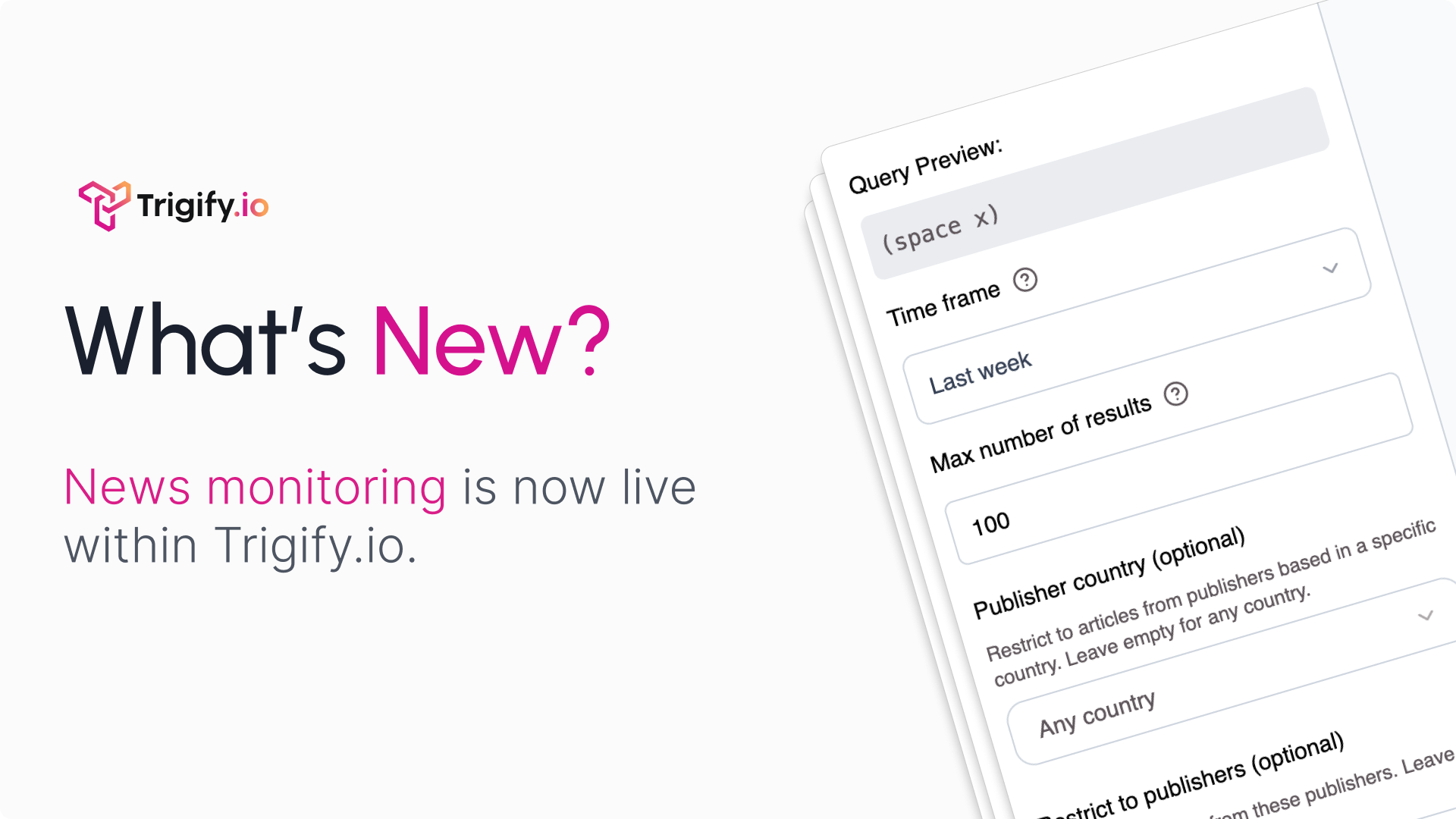
News monitoring is live: turn headlines into pipeline
18th June 2026

Your target accounts announce buying signals in public every week: funding rounds, executive hires, market expansion, product launches and new partnerships.

The problem is timing. By the time those updates reach your CRM, the best outreach window has usually passed.

Trigify now tracks account news as it breaks, filters it down to the stories your team can act on and routes each trigger into your workflow.

With news monitoring, you can:

  • Monitor news outlets for funding, executive moves, expansion news, launches and other company updates.

  • Use boolean keywords to cut noise and match the stories that matter to your GTM motion.

  • Control coverage by outlet, country and publisher.

  • Preview real articles before you turn a search on.

  • Trigger workflows from any story, including Slack alerts, AI qualification, CRM updates, and sales handoff.

A new VP, funding round, or market launch often tells you what an account is about to prioritize. Trigify helps your team catch that moment early and act before it goes cold.
New

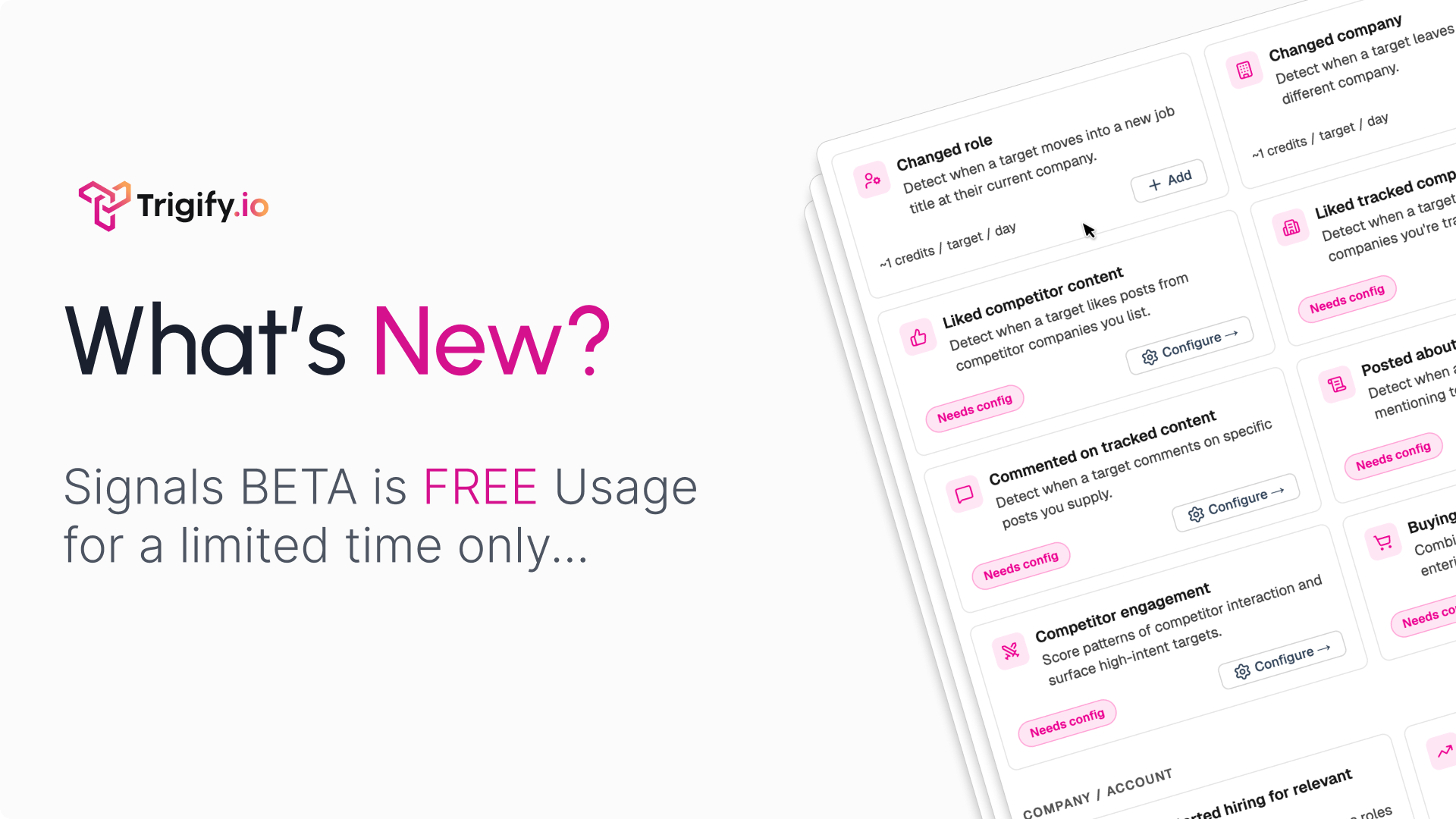
Signals Beta usage is now FREE

27th May 2026

Free Signals usage on every workspace, for a limited time only. Plug them straight into your AI agents through the Trigify MCP or API.

16 buying signals, live across your target accounts and companies, ready for your agents to act on.

Click here to → watch the video

How to activate

  1. Go in settings in the Trigify app

  2. Click early access

  3. Toggle on Social Signals. It is now activated!

  4. Visit our API/MCP docs in settings to link to your agents

  5. Or use the feature in app by clicking Signals in your nav bar

NewImproved

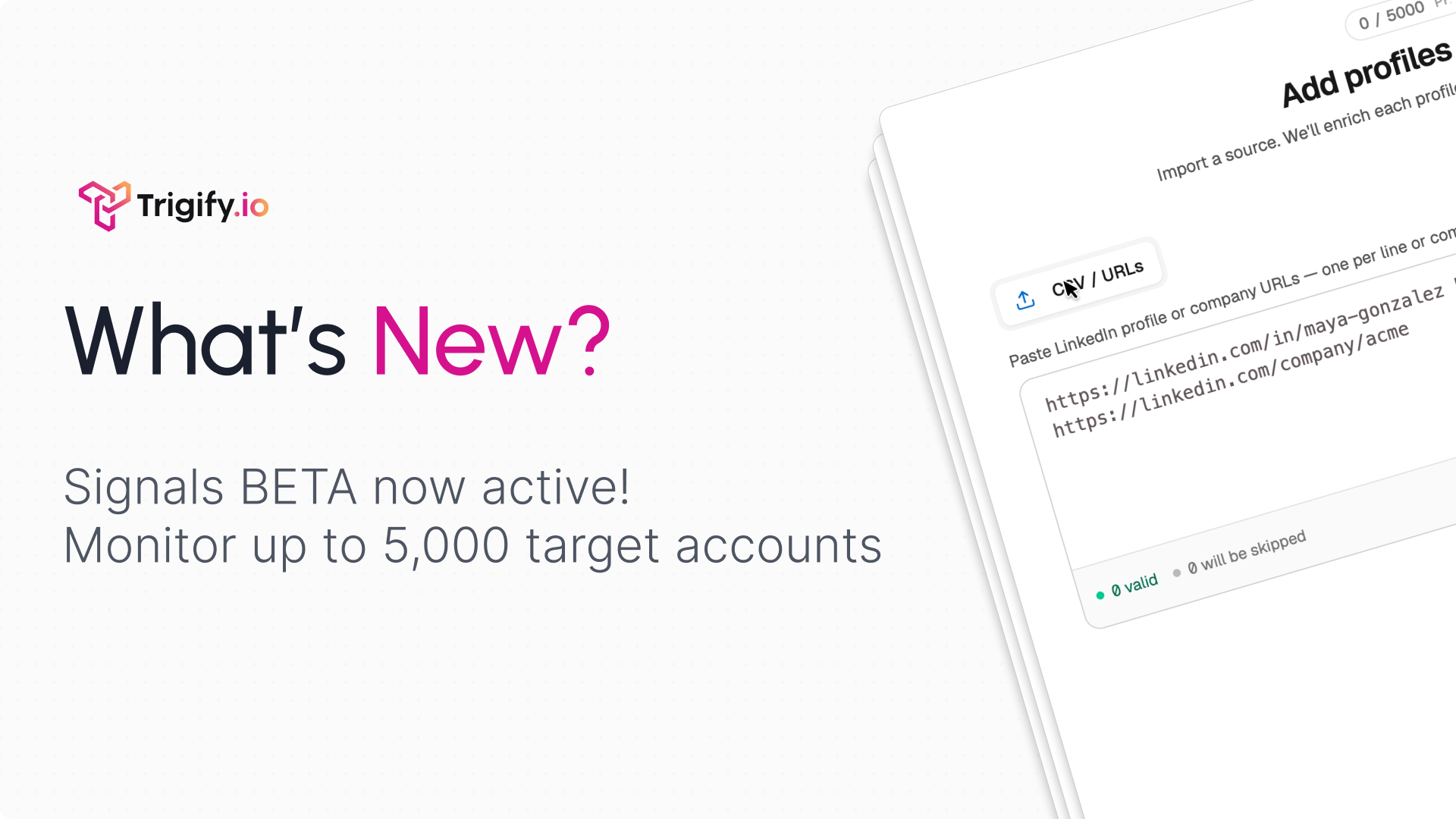
Signals BETA: 16 new buying signals for your target accounts

20th May 2026

Signals is now in beta in Trigify. This is one of the biggest updates we have shipped: a new ABM engine for spotting account intent from the people and companies you care about, then turning those moments into workflows.

What you can do

  • Track key people and companies by adding profile or company URLs manually or with a CSV upload.

  • Choose from 16 signal types across person, profile, company, and account activity.

  • Review credit usage before launch with a clear breakdown based on the signals you select and how often Trigify checks them.

  • See a timeline of fired signals with the reason, account context, signal count, date filters, and severity details.

  • Trigger workflows from signals so your team can enrich, qualify, alert, route, or create outbound from the moment a signal appears.

16 signals included

Person / Profile

Company / Account

Changed role

Company started hiring for relevant roles

Changed company

Company jobs count increased

Became hiring or posted a job ad

Company started posting around a relevant initiative

Liked competitor content

Expansion signal

Liked tracked company content

-

Liked tracked person content

-

Commented on tracked content

-

Posted about tracked topic

-

Engaged with tracked topic

-

Competitor engagement

-

Buying-window signal

-

Influence signal

-

Insights

Signals are the things you tell Trigify to watch for.
Insights helps uncover the patterns you did not know to look for, like narrative shifts across a target account or common behaviours across a group of similar buyers.

How to get started

  1. Go to Settings -> Early Access and enable Social Signals if you do not see the Signals section.

  2. Add the people or companies you want to monitor.

  3. Configure the signals you care about.

  4. Review the credit estimate and launch.

  5. Connect Signals to a workflow using the new Social Signals trigger.

  6. Signals is launching in beta, so we want your feedback. Tell us what works, what is missing, and which signals would make this more useful for your team.

  7. Signals is also available through the app, API, CLI, and MCP.

New

Earlier updates