Changelog

Follow new updates and improvements to Trigify.io.

January 27th, 2026

New

Improved

January 27, 2026

Highlights

๐Ÿ”— Surfe Integration - Powerful Contact & Company Data at Your Fingertips

We're thrilled to introduce our new Surfe integration! Now you can supercharge your workflows with powerful new prospecting capabilities. Simply connect your Surfe account and start building smarter workflows that deliver the contact information you need, exactly when you need it.

  • Find People โ€“ Discover contacts at any company

  • Email Enrichment โ€“ Get verified email addresses for your contacts

  • Mobile Numbers โ€“ Pull mobile phone numbers to power your outreach

  • Company Data โ€“ Access comprehensive company information


๐Ÿš€ Apollo Integration - Seamless Sales Engagement

Take your sales workflows to the next level with our comprehensive Apolloย integration! Connect your Apollo account and watch your outreach workflows become more powerful than ever.

  • Update Contacts โ€“ Keep your Apollo records in sync

  • Sequence Management โ€“ Add prospects to sequences and manage their status

  • People Enrichment โ€“ Enrich contact records with Apollo's data

  • Company Enrichment โ€“ Pull detailed company information


๐Ÿ“Š Airtable Integration - Flexible Database Workflows

Connect your Airtable bases directly to Trigify and build powerful data management workflows. Whether you're tracking leads, managing campaigns, or syncing records, our Airtable integration has you covered.

  • Create Record โ€“ Add new records to any Airtable table

  • Update Record โ€“ Modify existing records with fresh data

  • Get Record โ€“ Retrieve records by ID

  • Delete Record โ€“ Remove records from your tables

  • Search Records โ€“ Query your tables with optional filtering


Also Shipped This Week

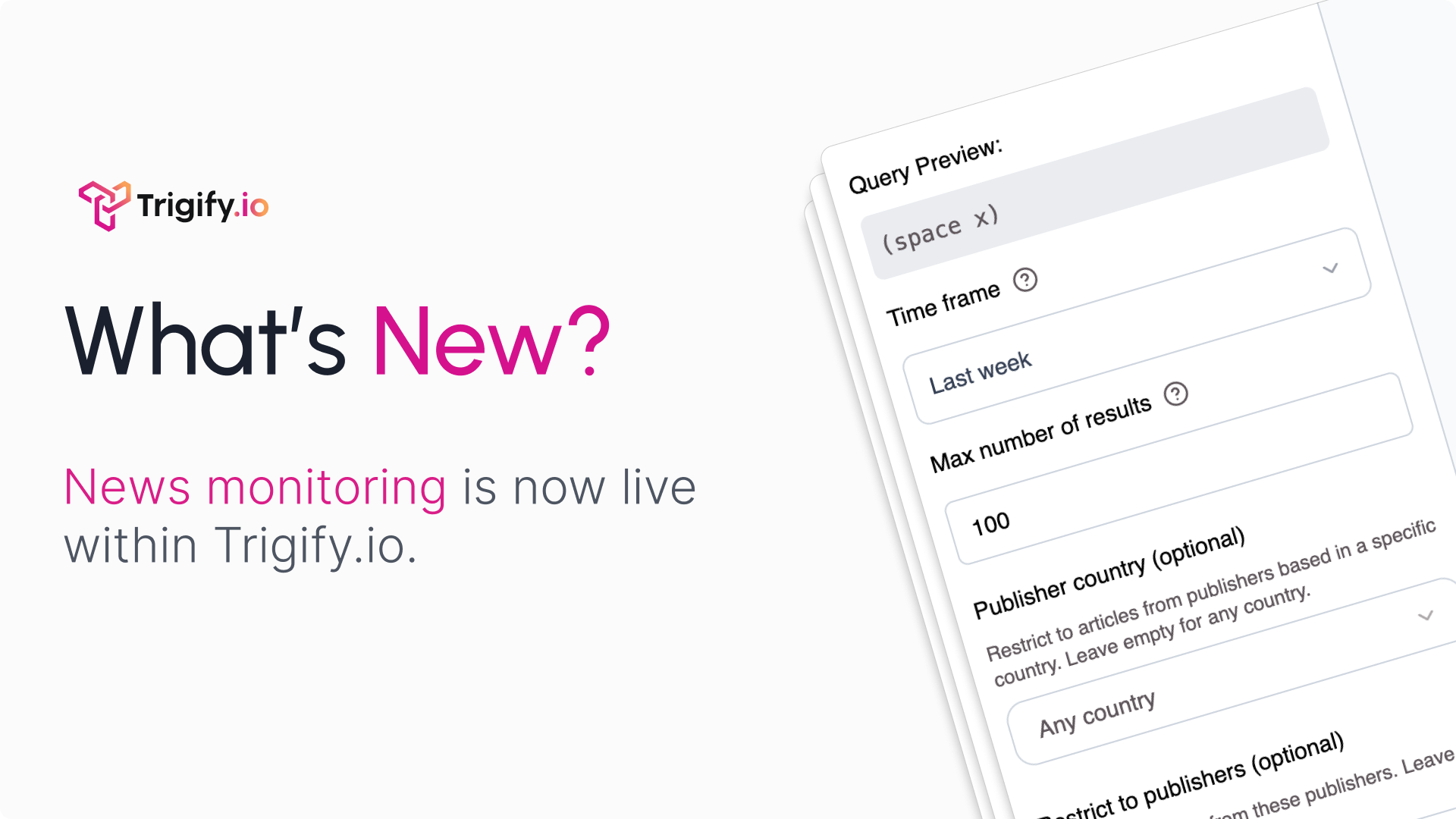
  • Smarter Search Results Filtering โ€“ Filter by specific saved searches, select multiple sources, set custom limits, and define date ranges with platform-specific icons

  • Location Data in Person Enrichment โ€“ Automatically receive location information extracted from LinkedIn profiles

  • Improved Signal Action Outputs โ€“ Helpful names and descriptions now appear in the variable selector for clearer workflow building

  • Polished Social Search Experience โ€“ Smoother step transitions, better visual feedback, and cleaner selection indicators

  • Streamlined Person Enrichment Data โ€“ Cleaner output focused on the most reliable and accurate profile attributes

Excited to see what you build,
Max Mitcham,
CEO | Trigify

December 10th, 2025

๐Ÿš€ What's New This Week

We've been hard at work making Trigify more powerful, reliable, and easier to use. Here's everything new this week:


Highlights

1. Instantly.ai Integration โ€“ Scale Your Outreach

Plug Instantly.ai into Trigify to turn your workflows into fully automated outbound machines.

  • Use Instantly.ai as a workflow node inside Trigify

  • Trigger outreach campaigns based on events or conditions

  • Add, update, and manage contacts automatically

  • Sync outreach activities with your CRM and other tools

  • Run multi-step workflows where outreach is just one automated step


2. Linear Integration โ€“ Automate Your Issue Management

Bring your issue tracking into your automation layer so your development workflow updates itself as work happens.

  • Create Linear issues automatically when key events occur

  • Update issue status, assignee, or details directly from workflows

  • Pull issue data into other tools and reports via Trigify

  • Keep development, product, and ops aligned without manual status updates


3. Notion Integration โ€“ Connect Your Workspace to Workflows

Supercharge your Notion databases by wiring them straight into Trigify workflows. Keep projects, content, and team data perfectly in sync without manual updates.

  • Connect your Notion workspace directly to Trigify

  • Create, update, and query Notion pages from any workflow

  • Automate database operations across projects, content, and team hubs

  • Keep Notion in sync with the rest of your tool stack automatically

  • Get started by clicking โ€œConnect Notionโ€ in any workflow action


Other Improvements

  1. Smarter Workflow Variables - Access Loop Data Easily

  2. Visual Workflow Status - See What's Active at a Glance

  3. Enhanced AI Assistant Experience

  4. Filter Saved Searches by Source

  5. Improved Variable Editor - Work with JSON Like a Pro

  6. Better Daily Schedule Accuracy

  7. Clearer Workflow Error Messages

  8. Streamlined Workflow Creation

  9. Enhanced Text Field Editing

  10. More Reliable Variable References


What's Next?

We're constantly improving Trigify based on your feedback. Keep the suggestions coming, and stay tuned for more powerful features coming soon!

December 2nd, 2025

๐Ÿš€ What's New This Week

We've been hard at work making Trigify more powerful, reliable, and easier to use. Here's everything new this week:


Highlights:

1. Multi-Trigger for Workflows

You can now trigger one workflow from multiple saved searches at once. Instead of juggling separate workflows for every LinkedIn keyword search or Twitter profile, you can bundle them into a single, clean automation.

  • Combine several saved searches into one workflow

  • No need to create duplicate workflows for each social source

  • Manage everything from a single automation instead of many

  • Keep actions consistent across all your social listening channels

  • Spend less time maintaining workflows, more time acting on insights


2. Enhanced Workflow Editor - Build Faster with Better Controls

Building complex workflows is now way more intuitive. Itโ€™s easier to tweak, fix, and evolve your automations without feeling like youโ€™ll break everything.

  • Add new actions between existing steps without rebuilding flows

  • Recover deleted branches inside IF and LOOP nodes

  • Clearer connection points so itโ€™s easier to see how everything fits together

  • Improved draft syncing so your changes are always saved

  • Your workflow stays exactly how you designed it, even as you iterate


3. Linear Integration

You can now create rich Linear issues directly inside your workflows, fully configured from your automation so nothing gets lost between tools.

  • Choose which Linear team new issues should belong to

  • Dynamically set the issue title from workflow data (e.g. customer, error, account)

  • Fill a markdown-supported description with full context, logs, links, and screenshots

  • Automatically assign a priority based on conditions or scoring

  • Auto-select an assignee so ownership is clear from the moment itโ€™s created

  • Set the initial workflow state (e.g. Backlog, Todo, In Progress) based on your rules


4. Notion Integration

Our new Notion integration lets your workflows create, update, and query database pages automatically, so your Notion docs stay perfectly in sync with everything happening in your stack.

  • Create Database Page โ€“ Add new rows to any Notion database with properties pulled from your workflow data

  • Update Database Page โ€“ Keep existing rows up to date as things change (status, owner, MRR, links, etc.)

  • Get Database Page โ€“ Fetch a specific row by ID to use its data later in the workflow

  • Query Database โ€“ Search and filter Notion databases (with optional filters and sorting) and act on the results automatically


Other Improvements:

  • Smarter Workflow Testing - Catch Issues Before You Publish

  • Case-Insensitive Text Matching - Find What You're Looking For

  • Log/Workflow Cancellation - Take Control of Running Automations

  • Automatic Log Cleanup - Keep Your Dashboard Clean

  • Better Variable Selection - Work with Complex Data Easily

  • Improved Business Network Profile Monitoring - Never Miss an Update

  • Streamlined Subscription Management - Smoother Billing Experience

  • More Reliable Error Handling - Clearer Feedback When Things Go Wrong


Every update this week was designed to make your workflow automation more powerful, reliable, and easy to use. As always, we're here to help if you have questions or feedback!

November 28th, 2025

What's New This Week ๐ŸŽ‰

We've been hard at work making Trigify more powerful, reliable, and easier to use. Here's everything new this week:


Highlights

1. Workflow Version History - Complete Control Over Your Automation Changes

You now have full visibility into how your workflows evolve over time. Every publish creates a snapshot you can revisit, compare, and roll back to with confidence.

Whatโ€™s new:

  • Automatic snapshots every time you publish a workflow.

  • Change notes are saved with each version for clear context.

  • Full version history so you can see exactly what changed and when.

  • One-click reversion - load any previous version as a draft before republishing.

  • Safe experimentation knowing you can always restore a stable version.

This makes iteration smoother, safer, and far more transparent, so you can build boldly and refine freely.


2. LinkedIn Job Sorting - Find the Right Opportunities Faster

You can now fine-tune how your LinkedIn job searches surface results, giving you more control and better alignment with your outreach strategy.

Whatโ€™s new:

  • Sort by โ€œDate Postedโ€ or โ€œRelevanceโ€ to zero in on either the newest roles or the best-matched opportunities.

  • Prioritized lead discovery that fits how you prefer to prospect.

  • Automatic preference saving so each search remembers your chosen sort order.

  • More consistent workflows thanks to stable, predictable search results.

A simple tweak that makes every job search sharper, faster, and more tailored to how you work.


Other Updates

  1. Smarter Workflow Building - More User Guiding

  2. Better Integration Checks - Know What's Connected Before You Publish

  3. Enhanced HeyReach Export Details - See Exactly What Happened

  4. Draft Management Improvements - Your Work-in-Progress, Protected

  5. Welcome Experience Modals for New Users - Get Started with Confidence


As always, we're listening to your feedback and continuously improving Trigify. Have ideas for what's next? Let us know - we love hearing from you! ๐Ÿ’œ

November 20th, 2025

๐Ÿš€ What's New This Week

We've been hard at work making Trigify more powerful, reliable, and easier to use. Here's everything new in your automation platform:


Highlights

1. Introducing Jarvis - Your AI Workflow Assistant

We're excited to announce Jarvis, your new AI-powered assistant built directly into Trigify!

What is Jarvis? Jarvis is an intelligent assistant that helps you build workflows, query your data, and navigate the platform - all through natural conversation. No more clicking through endless menus or remembering complex configurations.

What can Jarvis do?

  • Build workflows in seconds: Just describe what you want to automate, and Jarvis will create the workflow for you

  • Query your data: Ask questions about your prospects, companies, lists, and saved searches

  • Debug workflows: Having issues? Jarvis can analyze your workflow logs and help fix errors

  • Manage saved searches: Fetch results, filter by date or source, and integrate them into workflows


2. LinkedIn Post Comments Node - Deep Social Insights

Your workflows can now automatically retrieve comments from LinkedIn posts, giving you access to the full conversation happening around important content.

Key features:

  • Configure how many comments to fetch (up to 1,000)

  • Transparent and dynamic credit costs based on your needs

  • Powerful new possibilities for engagement tracking and sentiment analysis


3. HubSpot & Attio CRM Integrations Are Here

Connect your workflows directly to HubSpot and Attio to create and update contacts and companies in both platforms.

Key features:

  • Intelligent field mapping ensures data flows correctly

  • Comprehensive validation prevents errors before they happen

  • New field mapper UI for easy custom field configuration


Other Updates

  • LinkedIn Content Filtering - Find Exactly What You Need

  • Richer LinkedIn Post Data - Better Context for Every Post

  • Coupon Code Support - Easy Discounts for Your Team

  • Smarter LinkedIn Search Results

  • Smarter Workflow Configuration Alerts

  • Alerts when not published a workflow

  • Faster Initial Discovery Runs

  • Improved Credit & Usage Tracking

  • Better Workflow Execution Tracking

  • Enhanced Usage Analytics & Milestones

  • First-Time User Experience Improvements

  • More Reliable LinkedIn Monitoring

  • Improved Error Handling Across the Board

  • Workflow Graph Reliability

  • Billing & Subscription Improvements

  • Better Social Feed Refresh


These improvements represent work to make Trigify faster, more reliable, and more powerful for your team. As always, we'd love to hear your feedback, just reach out to our support team with any questions or suggestions!