Overview - April 7th, 2026
Trigify CLI and Skills are now live, plus faster Jarvis MCP background tasks.
Trigify CLI and Skills
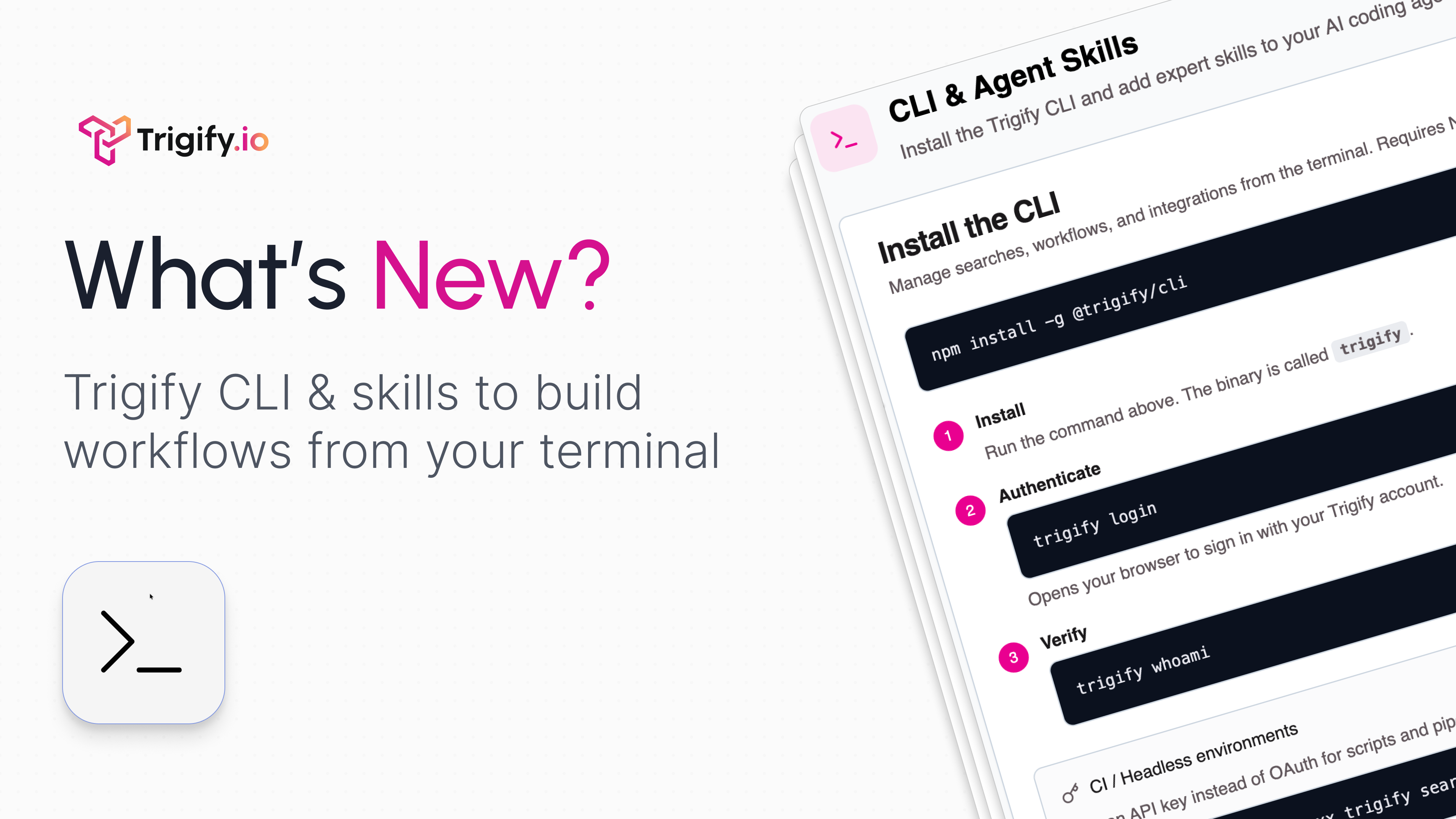
We’ve launched Trigify CLI and Skills, so you can take Trigify beyond the browser and manage your social data workflows from the terminal with a much stronger agent-ready setup.
The CLI gives you the command line interface. Skills are what make it far more powerful in practice, giving agents reusable workflows, prompts, and patterns for working with social data
Whether you’re plugging Trigify into Claude Code, internal tools, CI/CD, or your own agent stack, this gives you a faster way to build, run, and automate work around social data.
Here’s what you can do with it:
Create and manage social listening searches across 7 platforms, including YouTube, Reddit, Substack, LinkedIn, Hacker News, and X, with more platforms on the way
Build workflows and pull results directly from the command line
Run topic queries on any trend you want to monitor
Trigger social actions like commenting, posting, liking, following, and deleting through actions
Connect Trigify to Claude Code or any agent environment you’re already using
Install it with:
Authenticate with:
Use Trigify Skills from:
What’s included:
OAuth 2.0 PKCE auth for standard login flows
API key fallback for CI/CD and automation
30+ new REST API endpoints covering workflows, integrations, credits, and org management
Workflow lifecycle support for create, update, draft, test, and publish
Built-in Trigify Skills support for reusable agent workflows and social-data automation patterns
Lightweight standalone build at 2.4MB
Under the hood, we also rewrote 7 services from internal database access to HTTP, making the platform more consistent, more reliable, and easier to extend.
Also Shipped This Week
In-app changelog popup - Featurebase updates now surface directly inside Trigify
Subscription and onboarding hardening - stronger defensive error handling across checkout completion, subscription updates, and org plan management
Social seat management - per-seat removal and proration now supported
Workflow state management - if-condition variable persistence and auto-enable on publish fixed
Profile monitoring triggers now fire reliably regardless of creation method
General stability improvements shipped across v2.21 through v2.24
Excited to see what you build,
Max Mitcham,
CEO | Trigify